
Free Download Manager
Faster, Smarter and More Reliable Downloads
Free Download Manager gives you more control over every file you download. It is designed for people who regularly work with large files, unstable internet connections, torrents, magnet links, scheduled transfers, and multiple downloads running at the same time.
Official Platform Support Matrix
July 2026 Builds
Windows 11 & 10
FDM 6.34.3, 64-bit
MacOS Devices
ARM Apple Silicon & Intel
Android Mobile
Google Play Store
Linux Systems
DEB Package & Flathub
Why Choose Free Download Manager?
Free Download Manager is built for users who need more than a basic browser download. Browsers are convenient for small files, but they provide limited control when a transfer is large, interrupted, delayed, or divided across several tasks.
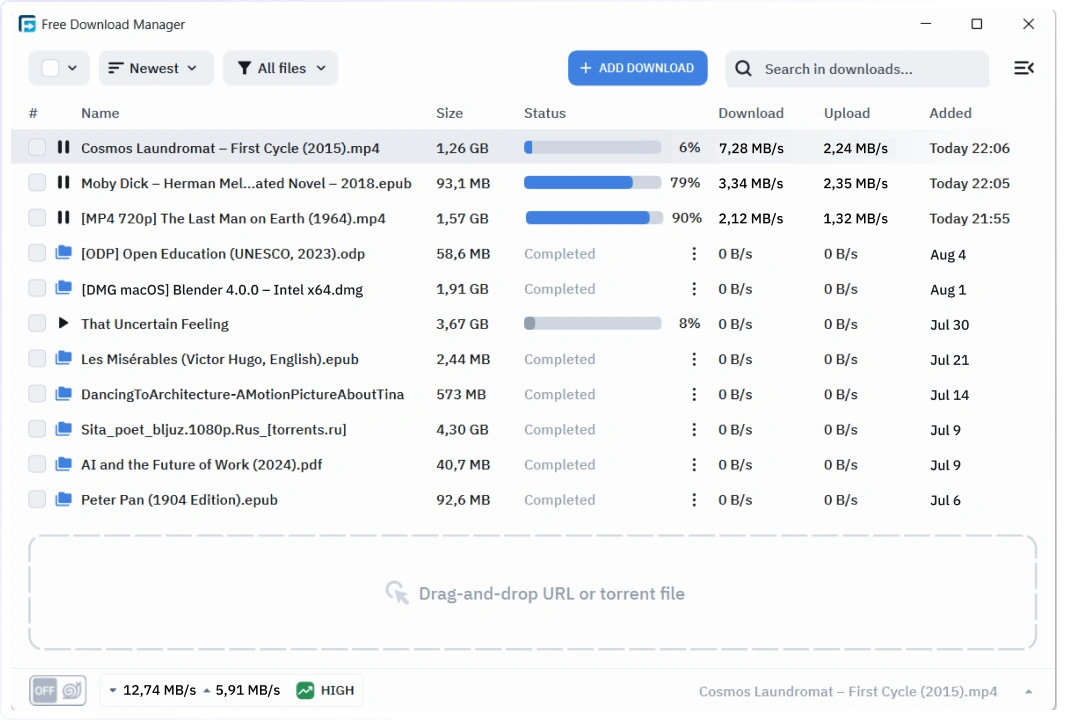
With FDM, active, paused, scheduled, completed, and failed downloads remain organized in one dashboard. You can see what is downloading, control how much bandwidth it uses, decide when it should begin, and continue supported transfers without returning to the beginning.
Millions of people worldwide use Free Download Manager tools across browsers, desktop systems, and Android devices. Its broad platform support makes it a practical choice for users who move between computers and mobile devices but still want a familiar method for controlling their downloads.
Powerful Features of Free Download Manager
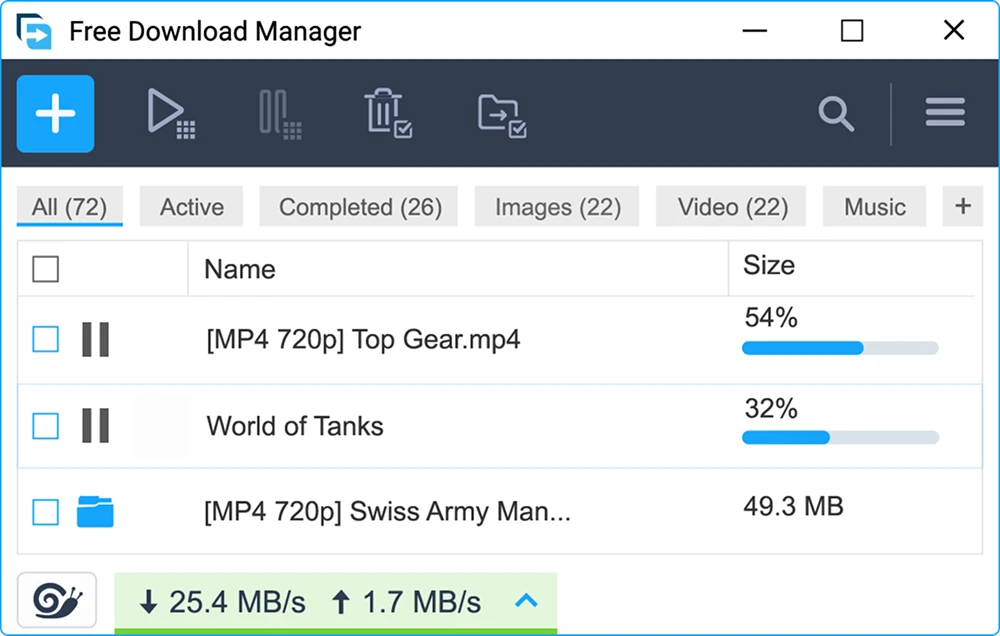
Free Download Manager brings several important download tools together instead of requiring a separate application for every type of transfer.
How Free Download Manager Works
Free Download Manager improves control by changing how compatible files are requested and managed.
A normal browser often treats a file as one continuous stream. If that single transfer becomes slow or fails, the browser may have limited options for recovering it. Free Download Manager can instead divide the file into several byte ranges and request those ranges independently.
When a server supports HTTP range requests, it can send only the requested part of a file. The server commonly responds with a 206 Partial Content status, which tells the application that a selected section is being delivered rather than the entire file.
Free Download Manager writes every section into its correct position. Once all required sections are complete, they form the final file.
Imagine a 4 GB operating-system image hosted on a server that allows eight parallel connections. Instead of requesting the entire image through one connection, FDM may divide it into eight sections of approximately 500 MB. Those sections can be transferred at the same time, allowing available bandwidth to be used more efficiently.
This method does not create additional internet capacity. If the source server limits an entire connection or IP address to 5 MB/s, opening several connections will not automatically turn that limit into 40 MB/s. The purpose of segmentation is to use the available conditions more effectively, not to bypass server restrictions.
Does Free Download Manager Really Download Up to 10× Faster?
Free Download Manager can be noticeably faster than a standard browser download when the conditions support parallel transfers.
The greatest improvement usually appears when the source server allows several connections, the file is large enough for segmentation to matter, and the user’s internet connection has available capacity. Fast storage also helps because several sections may be written to the destination file at the same time.
A large ISO image, development toolkit, game package, or dataset provides a more meaningful test than a small document that completes before segmentation has time to make a difference.
In other situations, Free Download Manager and the browser may deliver similar results. A server may apply one overall speed limit to every connection from the same user. A file host may reserve higher speeds for paid accounts. Weak Wi-Fi, congested VPN routes, slow storage, or heavy activity elsewhere on the network may also become the real bottleneck.
For this reason, Free Download Manager should be viewed as a tool that improves transfer management and can increase speed under suitable conditions, rather than as software that guarantees the same acceleration on every website.
FDM Download vs a Standard Browser Download
A browser is sufficient for many small files. A PDF, image, document, or short installer may complete so quickly that a separate application is unnecessary.
The difference becomes more important when the file is large, the connection is unstable, several transfers must be managed, or the download should begin at a specific time.
| CAPABILITY | FREE DOWNLOAD MANAGER | STANDARD BROWSER |
|---|---|---|
| Segmented downloading | Supported on compatible servers | Usually limited |
| Advanced resume support | Available when the server permits | Basic or inconsistent |
| Scheduled downloads | Included | Usually unavailable |
| Torrent and magnet support | Included | Not included |
| Bandwidth control | Included | Limited |
| File priorities | Included | Not available |
| Central download queue | Advanced | Basic |
| Best use | Large, repeated, scheduled, and peer-to-peer transfers | Small occasional files |
An FDM download provides the greatest value when the user needs more control than simply clicking a link and waiting for the browser to finish.
FDM vs IDM
The FDM vs IDM comparison is often reduced to download speed, but the two applications differ most clearly in pricing, platform support, and included transfer types.
Free Download Manager is free and supports Windows, macOS, Linux, and Android. It also includes BitTorrent and magnet-link functionality, allowing web downloads and peer-to-peer transfers to be handled from one application.
Internet Download Manager is primarily designed for Windows and is a paid product after its trial period. It is widely associated with browser capture and conventional file downloads, but torrent support is not its central purpose.
Free Download Manager is therefore the more natural option for users who want cross-platform access, built-in torrent handling, and download management without purchasing a license. IDM may appeal to users who work only on Windows and prefer its established browser-download workflow.
If you are using IDM, then its trial period is 30 days. If you want to reset it, then I am telling you this website, IDM Trial Reset, which is located at dot org, you can go to it and download a small mini software, which is absolutely authentic, which will reset your dial period and restart your 30 days.
How to Install Free Download Manager
Installation begins by selecting the version created for the operating system.
SOFTWARE SETUP FLOWCHART
4-STEP ACCELERATION GUIDE
Download Installer Package
Click the download button on the official website.
Run Fast Setup Wizard
Launch the installer and follow the quick, automated installation.
Enable Browser Extension
Activate the acceleration extension in your web browser.
Enjoy Accelerated Downloads
Your software is set up for high-speed downloads and performance.
